HTTrack Mac Alternative: Download Websites on macOS Without Installation
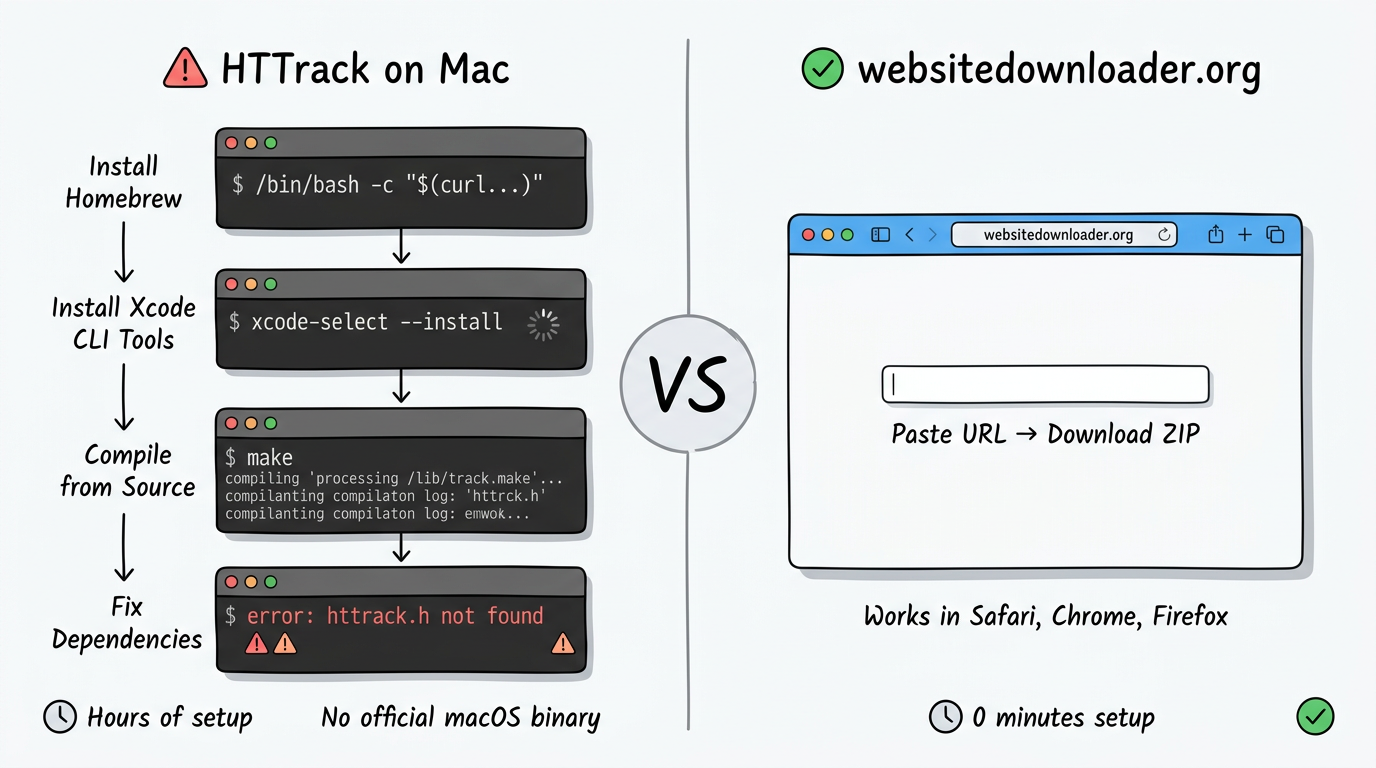
If you've ever tried to install HTTrack on a Mac, you know the pain. There's no official macOS binary — you need to compile from source using Homebrew, Xcode command line tools, and often fix dependency issues. Even when it compiles, HTTrack can't render JavaScript websites.
Zero-Install Alternative
websitedownloader.org runs entirely in the cloud. Open it in Safari, Chrome, Firefox, or any browser on your Mac. Paste a URL. Get a ZIP file. No Homebrew, no compilation, no terminal.
Better Results Than HTTrack
Even if you manage to install HTTrack on your Mac, our tool produces better results:
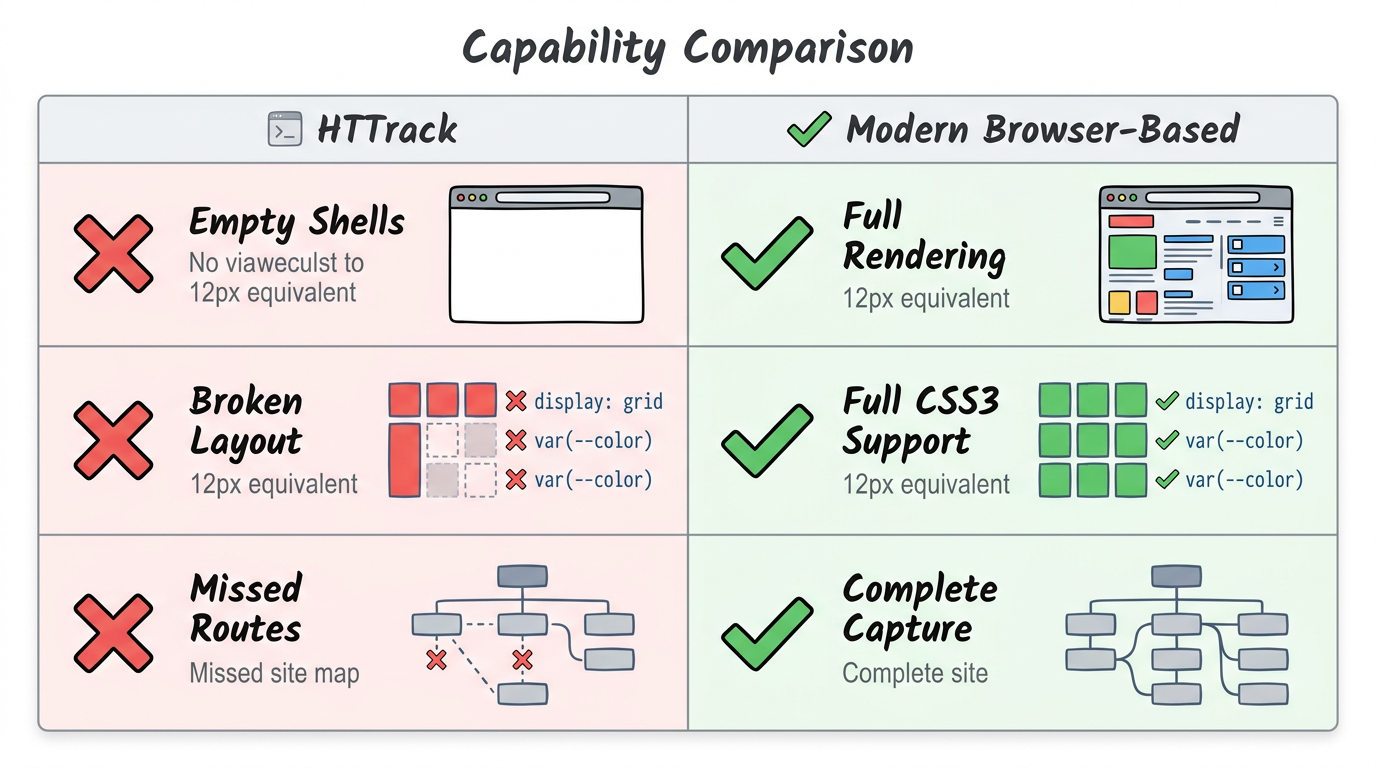
- JavaScript rendering — HTTrack downloads empty shells from React/Vue/Angular sites.
- Modern CSS — HTTrack struggles with CSS Grid, custom properties, and modern layout.
- SPA navigation — Client-side routing confuses HTTrack's link discovery.
CLI Option for Power Users
If you prefer the command line, our open-source tool websnap installs cleanly on macOS via npm — no compilation needed:
npm install -g websnap
websnap https://example.com
Related Guides
- HTTrack alternative 2026 — Why you need a modern website downloader.
- How to download a website — 5 free methods step by step.
- Best website downloaders 2026