How to Download a Vue Website
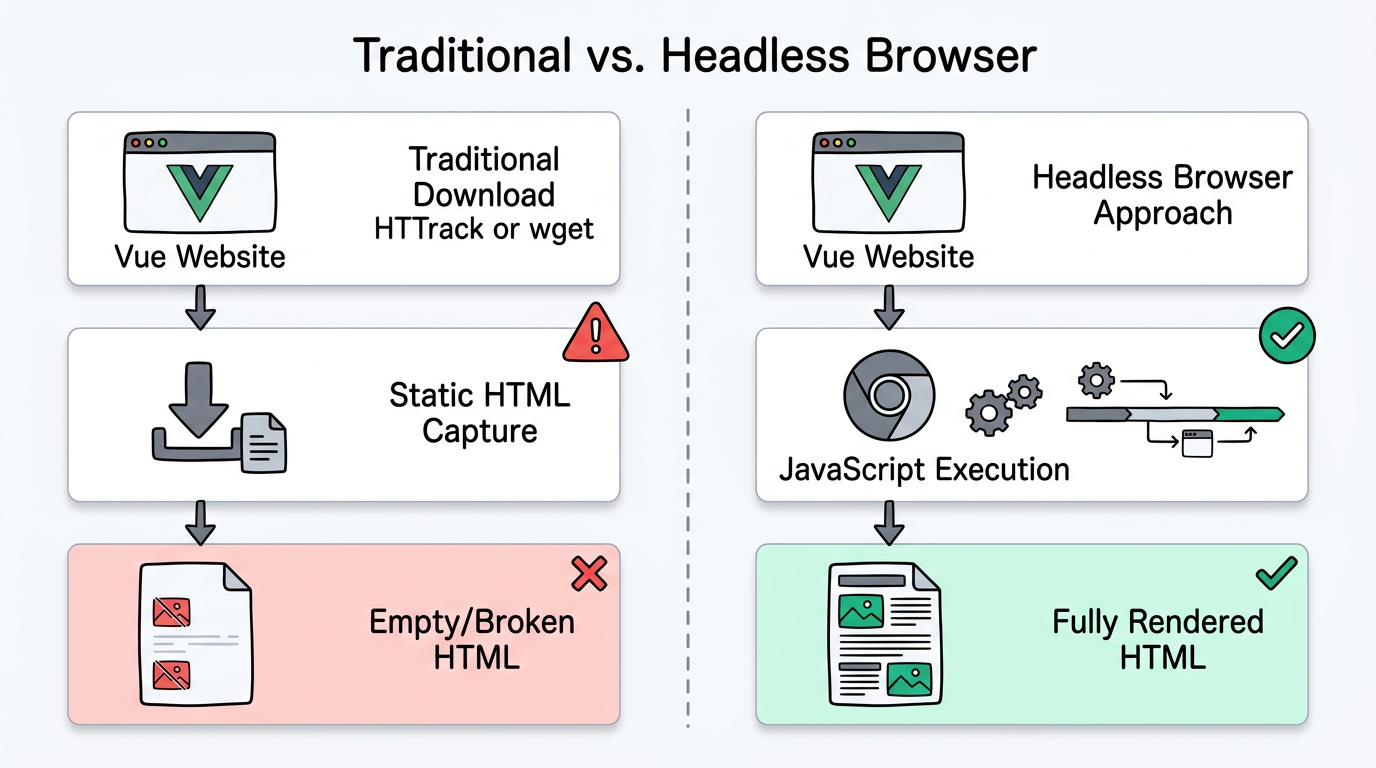
Vue.js websites, like React apps, render their content through JavaScript. This means traditional download tools like HTTrack and wget produce empty or broken results. Here's how to properly download a Vue website.
Vue-Specific Challenges
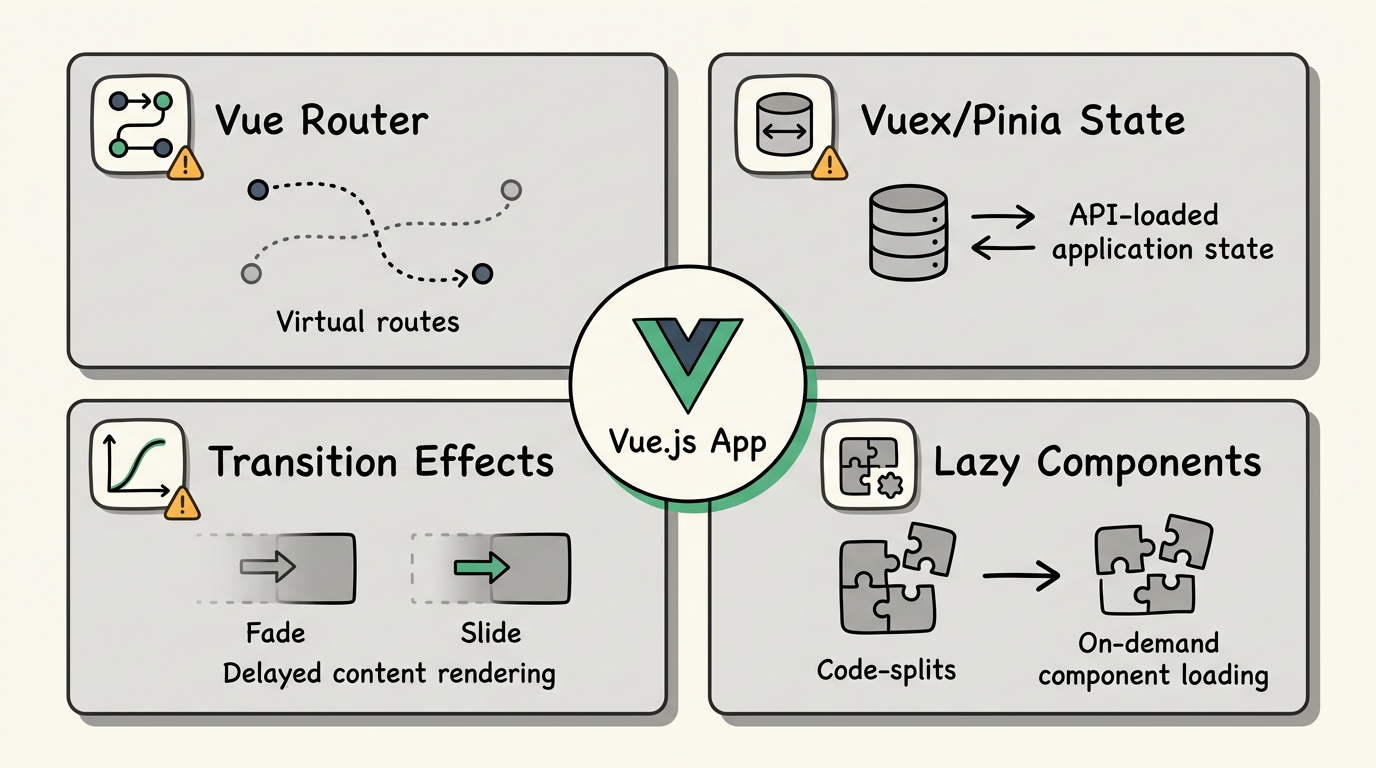
- Vue Router — Client-side routing means URLs don't correspond to actual HTML files.
- Vuex/Pinia state — Page content may depend on application state loaded via API calls.
- Transition effects — Vue's transition system can delay content rendering.
- Lazy-loaded components — Some components load only when needed.
The Solution
websitedownloader.org renders Vue websites in headless Chrome, waiting for all components (including lazy-loaded ones) to finish rendering before capturing the page. Works with Vue 2, Vue 3, Nuxt, Vuetify, Quasar, and any other Vue-based framework.
Related Guides
- How to download a website — 5 free methods step by step.
- Save SPAs offline — Why single-page apps are hard to download.
- Best website downloaders 2026