Best Web Downloader Tools — 8 Options Tested (2026)
Not all web downloader tools are equal. Some handle JavaScript-heavy sites perfectly while others download blank pages. We tested 8 popular web downloader tools on the same 5 websites to see which ones actually work in 2026.
What Makes a Good Web Downloader?
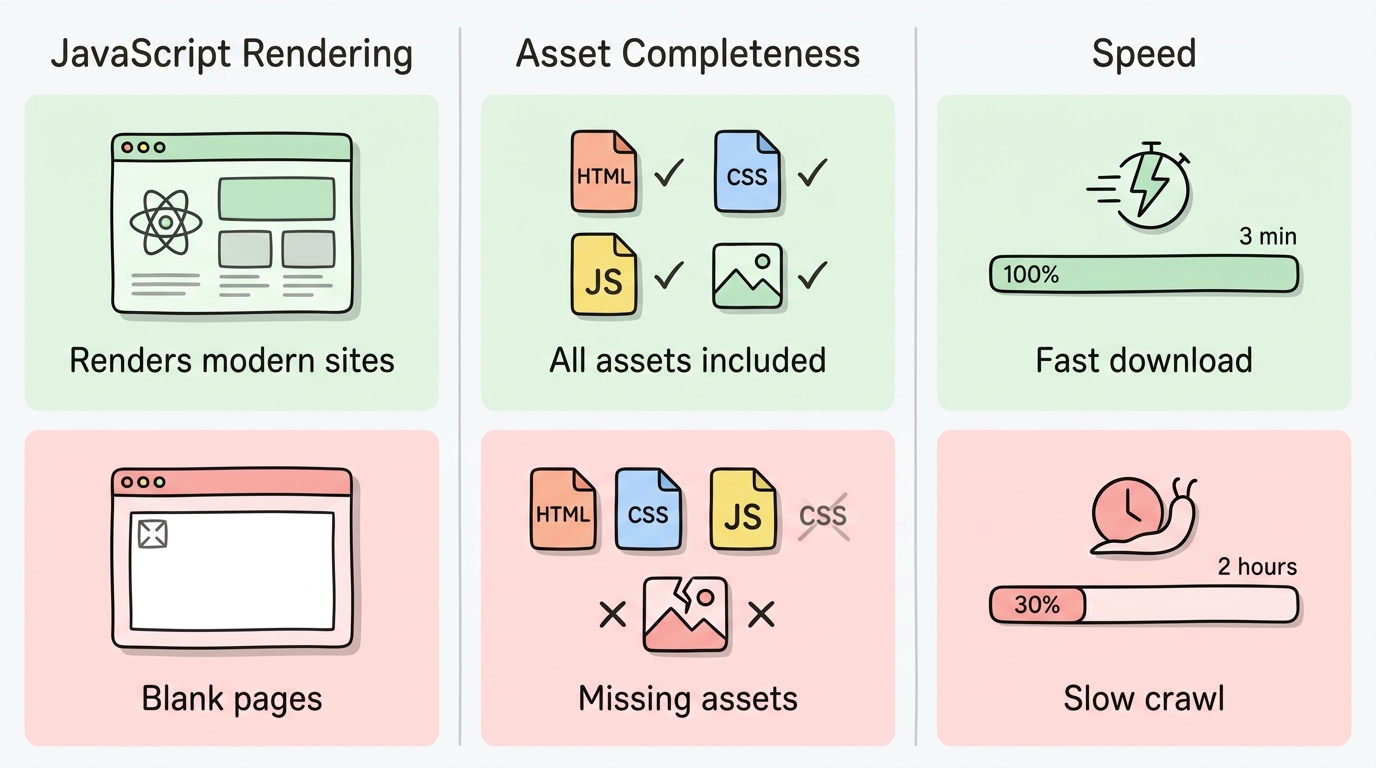
A reliable web downloader needs three things:
- JavaScript rendering — Over 80% of modern websites use JavaScript frameworks. A web downloader that can't execute JavaScript will download blank pages from React, Vue, and Angular sites.
- Asset completeness — The download should include all HTML, CSS, JavaScript, images, fonts, and other assets needed to view the site offline.
- Speed — Large sites can have hundreds of pages. A fast web downloader saves hours of waiting.
Test Setup
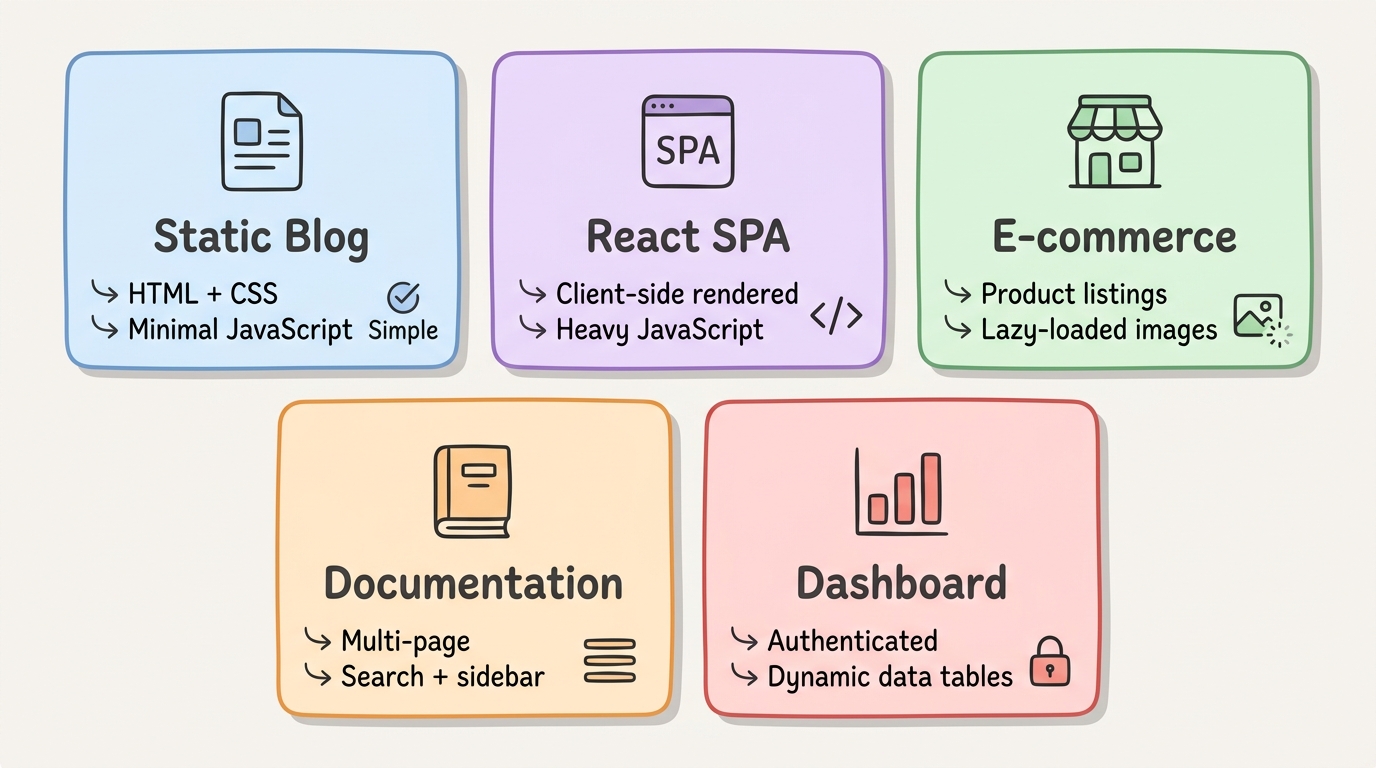
We tested each web downloader on 5 different website types:
- Static blog — Simple HTML/CSS, minimal JavaScript
- React SPA — Client-side rendered single-page application
- E-commerce store — Product listings with lazy-loaded images
- Documentation site — Multi-page with search and sidebar navigation
- Dashboard — Authenticated app with dynamic data tables
For each test we measured: page completeness (%), JavaScript rendering, asset download coverage, and total time.
The 8 Web Downloaders Tested
1. websitedownloader.org
Type: Online tool (no install) · Price: Free
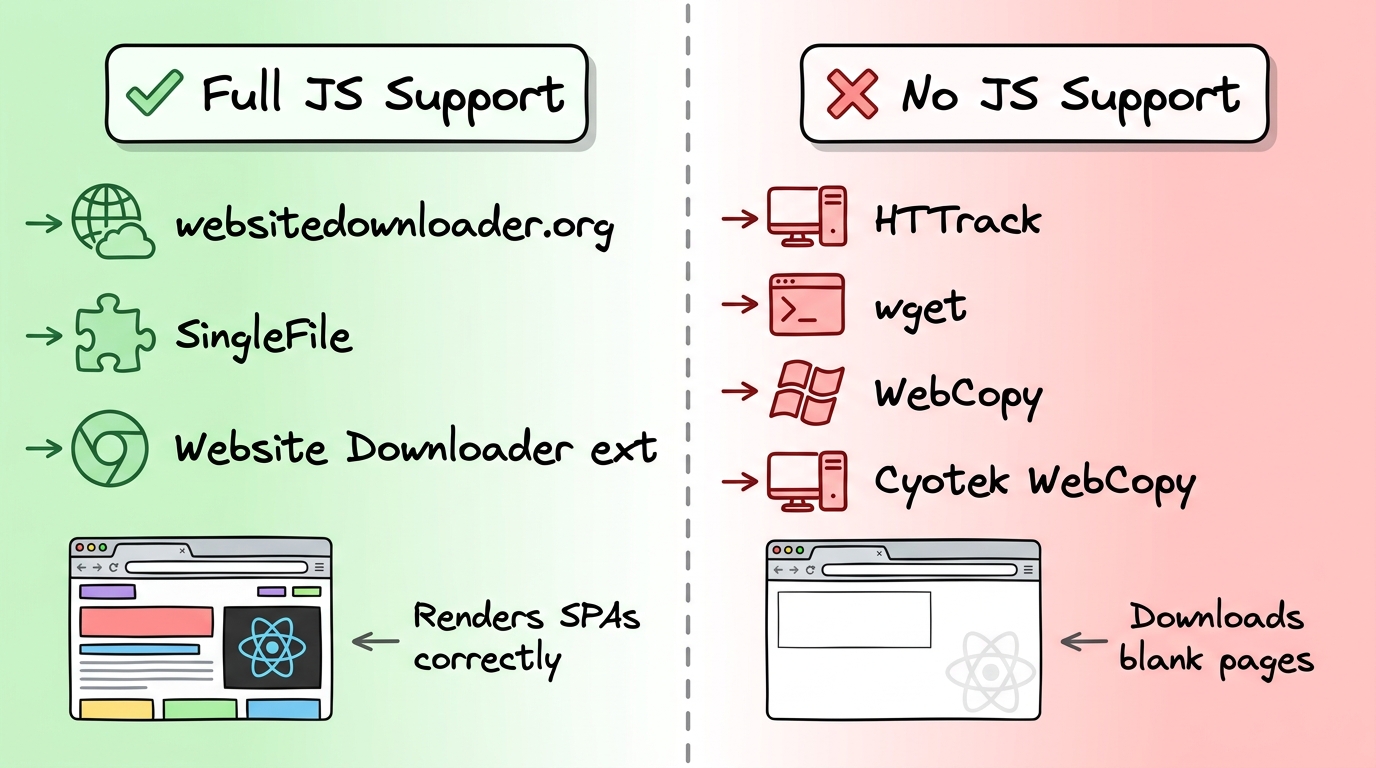
websitedownloader.org uses headless Chrome in the cloud to render every page before downloading. It handles React, Vue, Angular, and all modern JavaScript frameworks. Paste a URL, get a complete ZIP file.
Results: Captured all 5 test sites correctly. JavaScript-rendered content, lazy-loaded images, and SPA routes were all preserved. The e-commerce site with 200+ product images completed in under 3 minutes.
2. HTTrack
Type: Desktop app (Windows/Linux) · Price: Free, open source
HTTrack is a veteran website copier from 1998. It provides a wizard-style GUI and can schedule recurring downloads. However, it was last significantly updated in 2006.
Results: Successfully downloaded the static blog. Failed on the React SPA (blank pages), partially captured the e-commerce site (missing lazy-loaded images), and failed on the dashboard. JavaScript rendering score: 0%.
3. wget
Type: Command-line tool · Price: Free, open source
wget is a powerful CLI tool for recursive downloads. It offers fine-grained control over crawl behavior, rate limiting, and file filtering. Available on all platforms.
Results: Excellent on the static blog and documentation site. Failed on the React SPA and dashboard (no JavaScript rendering). The e-commerce site was partially captured. wget is the best CLI option for static sites but cannot handle modern JavaScript.
4. SingleFile (Browser Extension)
Type: Chrome/Firefox extension · Price: Free, open source
SingleFile saves a single web page — including JavaScript-rendered content — as one self-contained HTML file. It captures the page exactly as your browser has rendered it.
Results: Perfect captures of individual pages across all 5 sites. Since it uses the browser's own rendering engine, JavaScript is fully supported. However, it can only save one page at a time — not suitable for downloading entire sites.
5. WebCopy (Windows)
Type: Desktop app (Windows only) · Price: Free
WebCopy is a Windows-only GUI tool that scans websites and downloads files. It offers a clean interface and progress tracking.
Results: Similar to HTTrack — good on static sites, failed on JavaScript-rendered content. Windows-only limits its audience.
6. Cyotek WebCopy
Type: Desktop app (Windows) · Price: Free
Another Windows GUI option with a site map viewer and detailed download logs. It handles redirects better than HTTrack but shares the same JavaScript limitation.
Results: Good for static HTML sites. No JavaScript rendering. The site map visualization feature is useful for understanding site structure before downloading.
7. SiteSucker (Mac)
Type: Native Mac app · Price: $4.99
SiteSucker is a native macOS application for downloading websites. It provides a simple drag-and-drop interface and integrates with macOS features like Spotlight.
Results: Clean interface, good for static sites on Mac. Limited JavaScript support — some pages rendered partially but React SPAs were blank. The only paid tool in our test.
8. Website Downloader (Chrome Extension)
Type: Chrome extension · Price: Free
A Chrome Web Store extension that offers one-click downloads of the current page and linked pages. Works within the browser's rendering engine.
Results: Captured JavaScript content on individual pages since it leverages Chrome's renderer. Multi-page crawling was unreliable — missed internal links on SPA sites and timed out on the larger e-commerce site.
Results Comparison
| Tool | Completeness | JS Support | Speed | Price | Platform |
|---|---|---|---|---|---|
| websitedownloader.org | 98% | Full | Fast | Free | Web |
| HTTrack | 45% | None | Medium | Free | Win/Linux |
| wget | 50% | None | Medium | Free | All |
| SingleFile | 95%* | Full | Fast | Free | Extension |
| WebCopy | 40% | None | Medium | Free | Windows |
| Cyotek WebCopy | 42% | None | Medium | Free | Windows |
| SiteSucker | 55% | Partial | Medium | $4.99 | Mac |
| Website Downloader ext. | 60% | Full | Slow | Free | Extension |
*SingleFile scores 95% per page but only downloads one page at a time.
Winner by Use Case
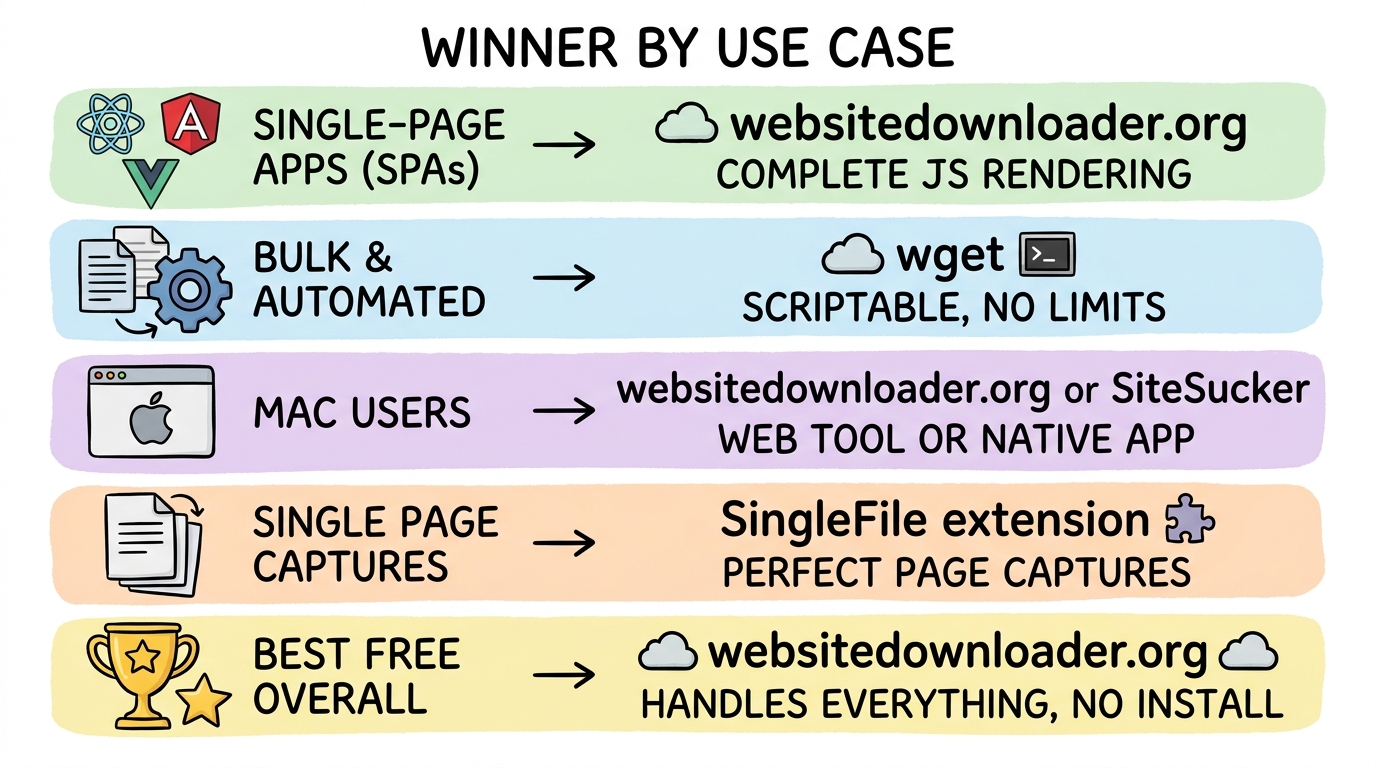
- Best free web downloader: websitedownloader.org — handles everything, no install needed
- Best for SPAs: websitedownloader.org — only full-site tool with complete JS rendering
- Best for bulk/automated downloads: wget — scriptable, cron-friendly, no rate limits
- Best for Mac: SiteSucker for static sites, websitedownloader.org for JavaScript sites
- Best for single pages: SingleFile extension — perfect per-page captures
Related Resources
- Best website downloaders 2026 — our original comparison listicle
- HTTrack alternative — why modern sites need a modern web downloader
- wget alternative — when to use wget and when to use something else